Turn Your Photo into A Vintage Poster

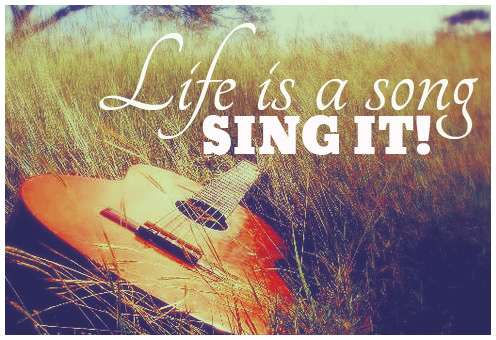
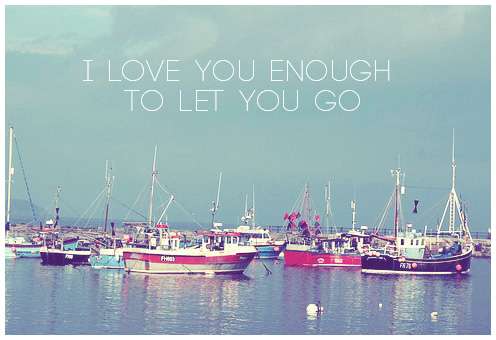
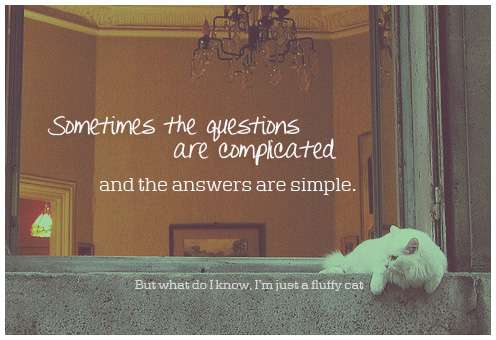
Here is my response to the calling that says, "Pick a photo, apply a vintage effect and write something in Helvetica". Although I don't think I have Helvetica in my computer right now, so I'm just gonna go ahead and pick other appropriate fonts to complete this fun mission. Now the question is, what kind of vintage effect to apply to these photos. After multiple trial and error, I managed to come up with five different vintage effects to finish these retro posters. If you would like to have sort of similar effect on your image, you can download the vintage psd file available for each poster.

Download Vintage Effect PSD 1


Download Vintage Effect PSD 2

Download Vintage Effect PSD 3Original photo by wakalani @ flickr

Download Vintage Effect PSD 4Original photo by karen_roe @ flickr

Download Vintage Effect PSD 5Original photo by hi-phi @ flickr


READ MORE...

Download Coloring PSD: Faded Spring

So we travel back down this road where I will upload a new coloring PSD file for you to try on your image. I have a feeling that we will be traveling down this road many times in the future. So, bookmark this blog or follow us if you would like to come along and enjoy the ride. The more the merrier, isn't that what they always said. For today, I decided to call this coloring effect, Faded Spring. As you can see, it kinds of eliminate the vibrant coloring of the original image and adds that old and vintage feeling to the picture. You can read our tutorial on How to Use PSD File to familiarize yourself with this method of image editing.

Download: Faded Spring PSD