Let me explain what this page is all about. It's always our mission to make your browsing easier. So, we've created this index page that listed all the photo effects tutorial we have covered since the very beginning of this blog. Click on the image to visit the tutorial page and start firing up your Photoshop for something cool and fun to try today. We will keep updating this page as something new get published. So, if you plan to comeback again, feel free to bookmark this page so you won't get lost and tangled up in the web.
RELATED LINKS YOU MAY LIKE:
- Free Textures and Patterns Collection
- Photoshop Tips and Tricks for Beginners
- Photoshop Action Collection for Image Processing
- Fabulous Fonts Collection
READ MORE...


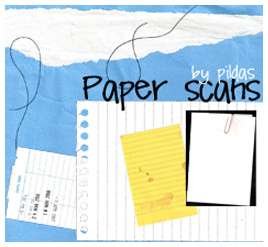
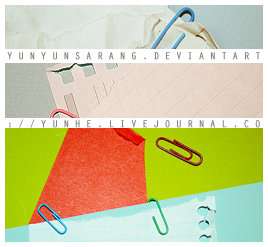
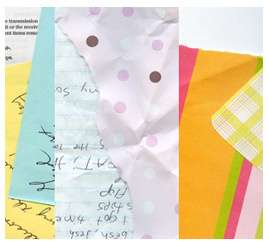
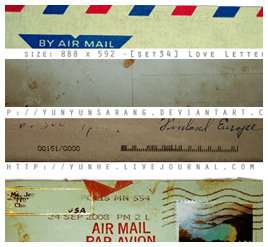
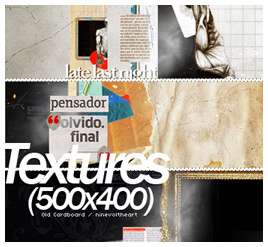
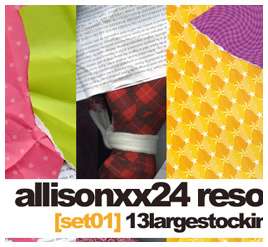
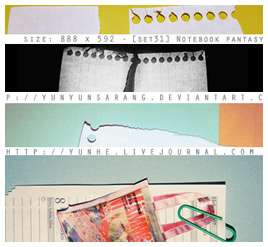
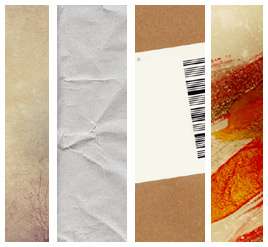
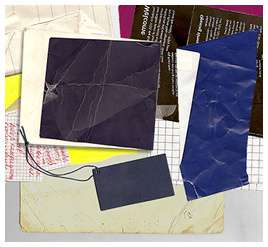
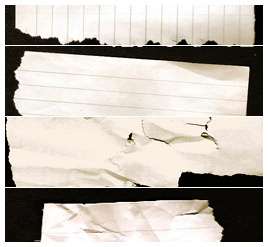
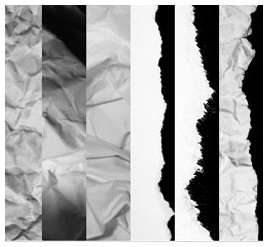
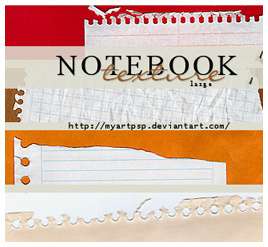
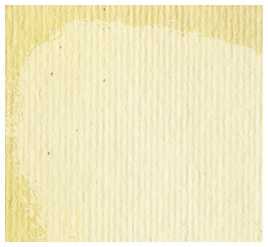
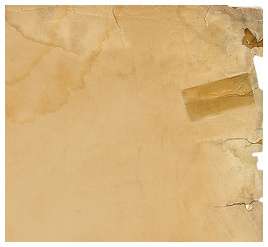
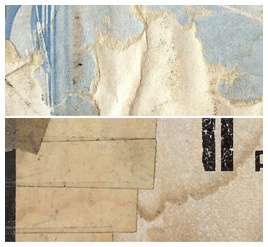
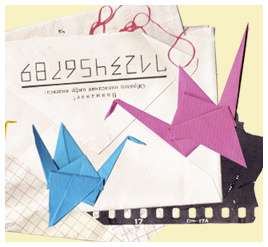
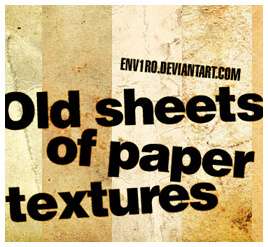
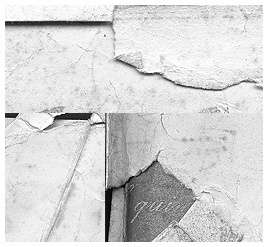
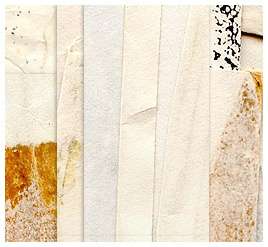
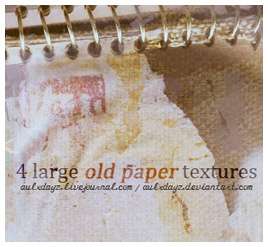
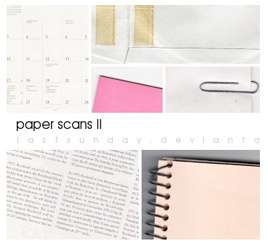
The Ultimate Collection of Paper Textures
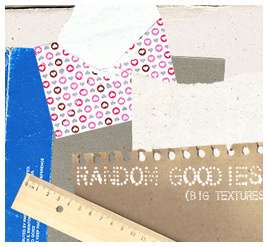
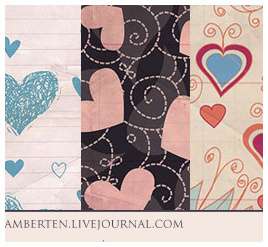
Looking for high quality paper texture to be the canvas of your digital art? Well, high resolution paper textures are everywhere around the web. But, who knows..here will be the perfect place for you to find what you want. We have compiled 30 sets of paper textures with 100++ individual textures for your browsing and free download. There are yellow notebook paper, torn and ripped paper, old vintage texture, colorful gift wrapper, brown sand paper and many more. Click on the image to go to the creators' page and download the textures.






READ MORE...
READ MORE...
Turn Photo to Comic or Cartoon Effect Action
In the spirit of spreading happiness around the world, I'm sharing this comic effect action for FREE. This action is created in PS CS2 and it turns a boring photo into a smooth comic book effect with radiant coloring. If PS is smart enough, the action should work on any latest version of Photoshop, and oldest version if they have mercy. It may not be perfect but I got to say it's a pretty awesome action. How to use the action? Below are some guides for you to make sure the action works without any problem. Because we all know that actions are a bunch of commands that execute themselves eagerly without thinking..so it's up to you to do the thinking and make sure it gets the correct starting condition.
Download: Comic Coloring Effect Action
Before and After Image
Read more for guidelines on how to use the action.
Tips: Always start with a large image and resize it if necessary after you run the action.
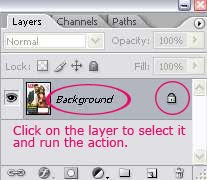
Open your image in Photoshop and make sure your layer palette looks like the picture below ie. (a)only one layer, (b)it should be named 'Background' and (c)it should be locked with a sophisticated lock symbol on the side. Click on the 'Background' layer on the layer palette to select that layer and run the action.
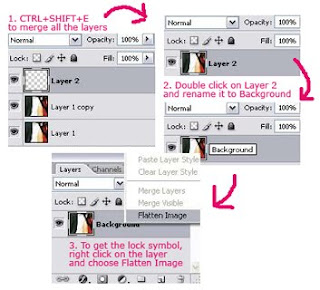
If for some reason, above is not the case for you, here's what you can do to achieve the correct starting point for the action:
 READ MORE...
Download: Comic Coloring Effect Action
Before and After Image
Read more for guidelines on how to use the action.
Tips: Always start with a large image and resize it if necessary after you run the action.
Open your image in Photoshop and make sure your layer palette looks like the picture below ie. (a)only one layer, (b)it should be named 'Background' and (c)it should be locked with a sophisticated lock symbol on the side. Click on the 'Background' layer on the layer palette to select that layer and run the action.

If for some reason, above is not the case for you, here's what you can do to achieve the correct starting point for the action:
 READ MORE...
Must Download: 5 Basic Photo Coloring PSDs
Five basic photo coloring effects that will come in handy when you're creating a memorable photo album. Black and white photo coloring, sepia tone coloring, soft blue-green coloring, polaroid photo coloring and the colorful gradient effect. All effects are achieved in Photoshop using the adjustment layers, making it flexible for you to adjust the settings according to your image condition. Learn more about: The Advantage of Using Adjustment Layers When Editing Your Image.
Click on the image to download the PSD files
Find out: How to use PSD file
Black and White Photo
Polaroid Coloring Photo
Colorful Gradient
Blue-Green Matrix Coloring
Sepia Tone Photo READ MORE...
Click on the image to download the PSD files
Find out: How to use PSD file
Black and White Photo
Polaroid Coloring Photo
Colorful Gradient
Blue-Green Matrix Coloring
Sepia Tone Photo READ MORE...
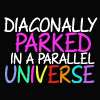
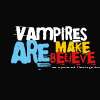
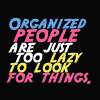
Fabulous Fonts in Capital Letters
In your design, sometimes it will be much easier to use all uppercase fonts. Naturally, when you type in caps, each letter takes the same amount of space horizontally and vertically. So, you can closely arrange a word without overlapping the words below or above it which often happens when dealing with the g's, y's, l's or k's in lowercase letters. Of course there's no denying that a combination of uppercase and lowercase letters can sometimes make your design more interesting. It's really up to your creative mind to decide. But I'm writing today to share some of the free fonts available out there that will look fabulous in capital letters.
*Click on the image to download the fonts =)



























READ MORE...
*Click on the image to download the fonts =)
READ MORE...
Subscribe to:
Posts (Atom)