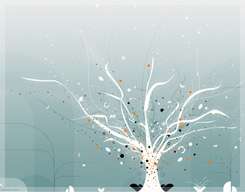
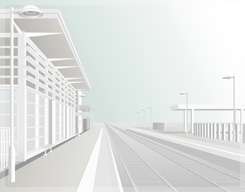
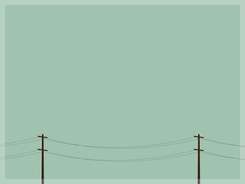
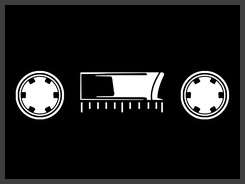
Feel like buying a new computer but unfortunately your wallet can't afford one right now? Well, new PC (or MAC) just have to wait then. But for now, you can think about getting a new wallpaper instead for your desktop. It's nothing much, but you'll be looking at something fresh and new the next time you turn on your computer. Cheer up, life's not so bad. At least you got a computer to begin with. Who knows, one day you'll be lucky enough to win an Ipad in one of those lucky draws. Anyway, here's our collection of 20 desktop wallpapers. Life is complicated enough, so we chose some simple and minimal design for our collection today.
Last week we did a blog post showing a great collection of free light textures for your download. And in that post, we promised to make another post this week about some tips on how to use them for decorating your photo or design. Promises are something we all should try best to keep, and we intend to do just that here. So, keep reading and maybe you'll be struck by some useful idea and inspiration for your next design project. If you miss last week post, you can check it out here: Light Textures Collection. We'll be using some of the light textures posted there for our demonstration today.
Light Texture Effect No. 1
1. Light textures on B&W image is an excellent idea to get a simple yet beautiful photo. First, desaturate your image to get a black and white image. I add a dark blue Color Layer, set to exclusion to give that yellowish effect on the B&W image.
Download the texture below. Click on the image to go to the download page.
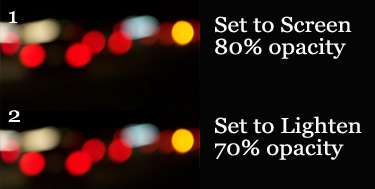
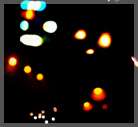
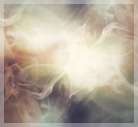
2. Then, use the light texture shown below, and set the first layer to Screen with 80% opacity and the second layer to Lighten with 70% opacity.
Light Texture Effect No. 2
1. You can use any of the coloring effect posted HERE to enhance the coloring of your image.
Download the texture below. Click on the image to go to the download page.
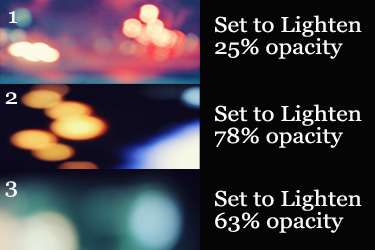
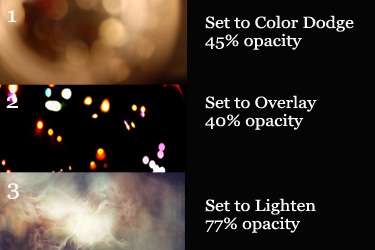
2. Then, apply the light textures with the settings shown in below image.
Light Texture Effect No. 3
1. First, enhance the image coloring with one of the effect posted here. For this picture, I don't remember which effect I used, but I think it's either 'Imagine You and Me' or 'Rainbows and Butterflies'.
Download the texture below. Click on the image to go to the download page.
2. Then, just follow the settings as shown in below image.
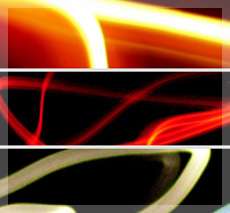
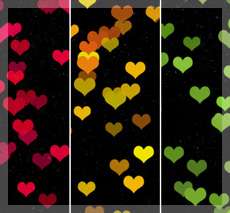
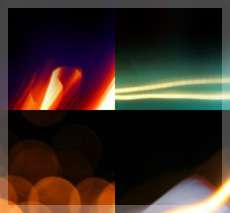
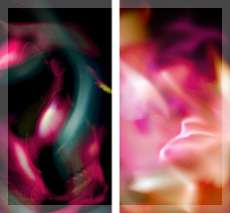
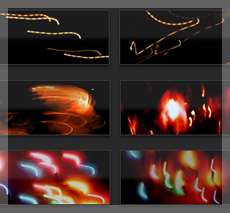
Lights will guide you home and ignite your bones. In this case, they illuminate your design as well. Light textures shine everywhere around the web, but today we brought to you 25 best (okay maybe 26 to make it even) light textures that you can download for free. Click on the preview picture to download the texture, credit goes to the creator. Don't forget to check out this blog next week, and we'll show you some tips on how to get the best out of these light textures. Update: It seems that a week had passed, and you can read the tips here -- Some Tips on Using Light Textures to Decorate your Photo