Happy New Year! Some people start their new year with a new resolution. But I still have a few of unresolved resolutions from last year. So, I'm gonna kick off 2011 with a new blog post instead and just see how it goes from here. If you haven't check out part 1 of this post, you can find it
HERE. More than 500 fans had downloaded the action set and I hope at least 90% of them are happy with the result. If you don't know what action is, maybe 2011 (who knows what's gonna happen in 2012) will be a great year to start learning about it
HERE or some other place. Trust me, it'll only make your life easier. And without further ado, I'm launching part 2 of the action set. I hope you'll have some fun playing with it.
Download Action:
DREAM BIG ACTIONS - VOLUME 2Download PSD Files:
DREAM BIG PSD - Vol 2How to Use:
Guidelines to Use our Photo Coloring Action


Soft and Dreamy Effect {Imagine You and Me}
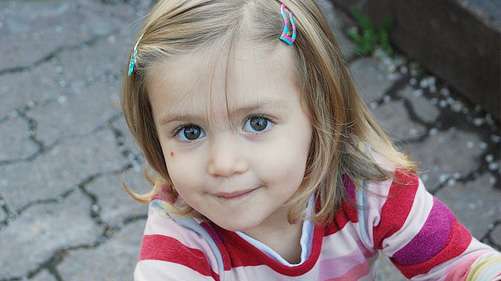

Lighten up your Portrait Coloring {Dynamite}
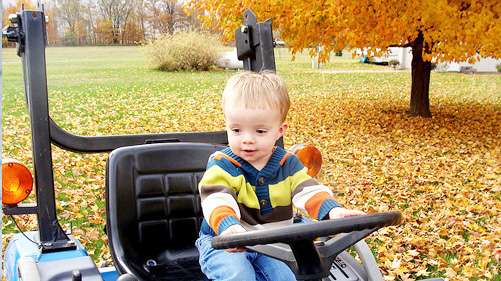

Pop the Red and Yellow in Your Photo {Wildfire}


Retro Old Coloring in Your Photo {Rainbows and Butterflies}
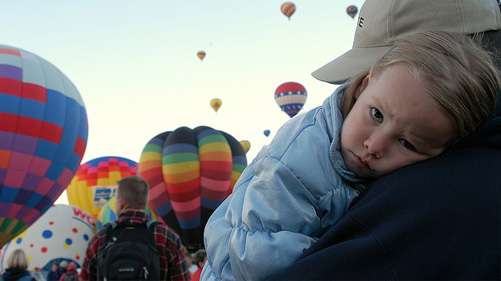

Crystal Clear Brownish Effect {Coffee City}
I would love to see your result with this action. Leave a comment and share it with the rest of our friends here ;)
READ MORE...